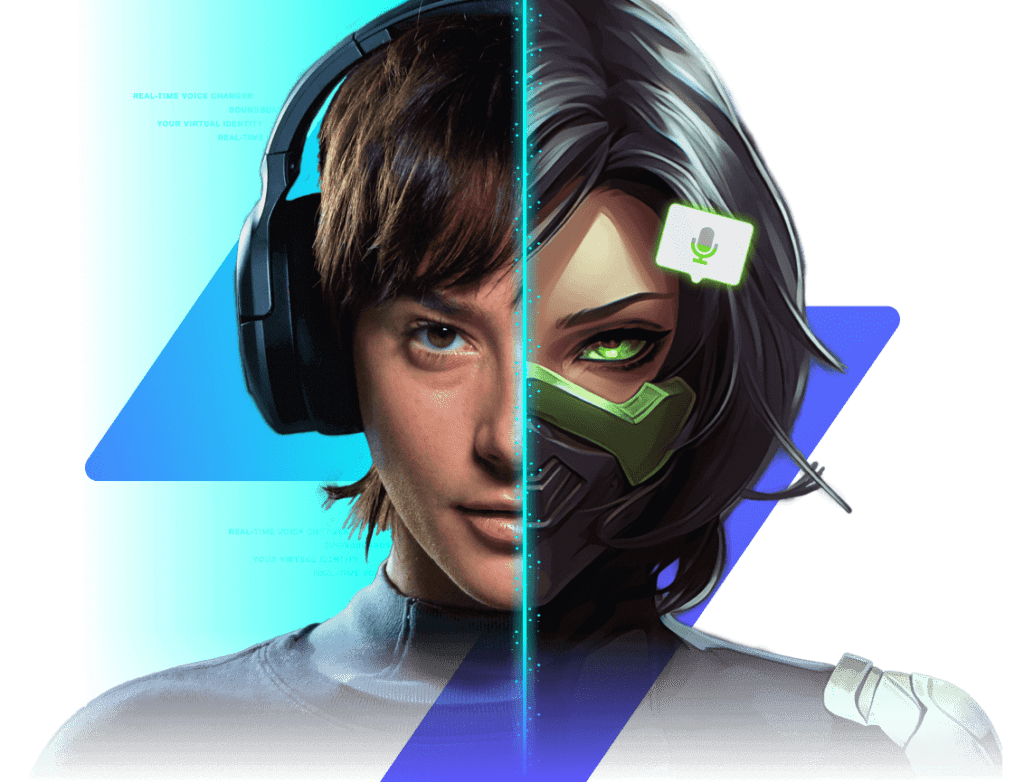
Shift how you sound.
Own your presence.

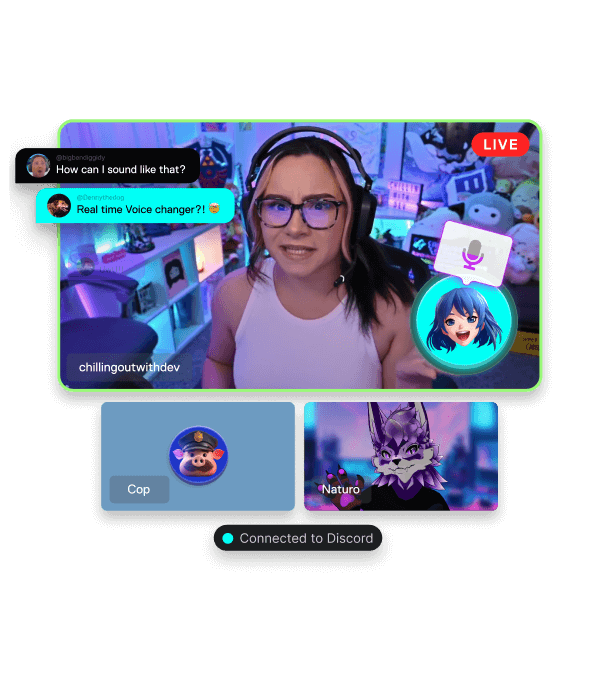
Jump between personas in milliseconds with lag-free filters and crisp output that never loses intelligibility.

Discover the Voice Shifter
Voice morphing control dashboard

Fire Off Audio Gags,
Rule the Conversation

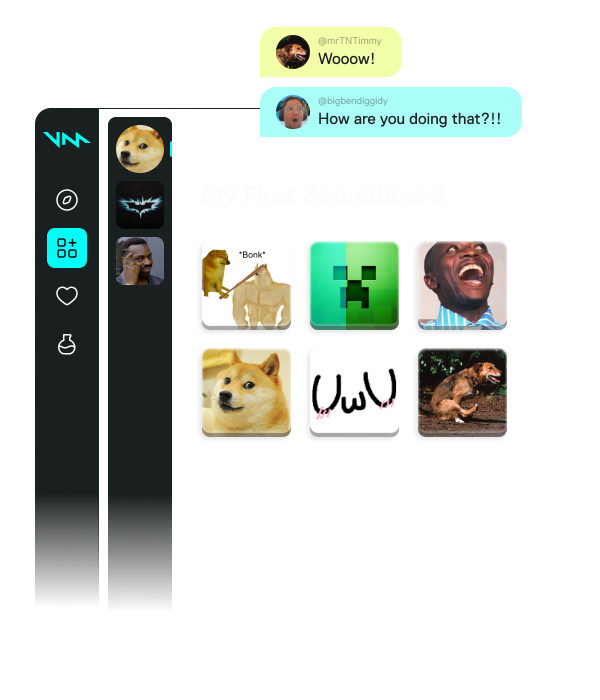
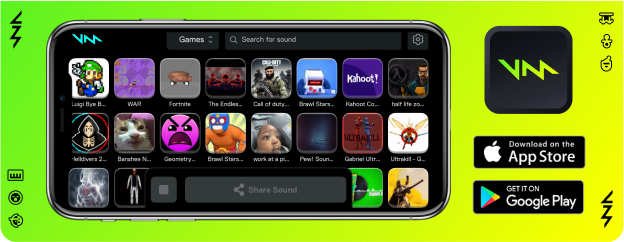
Launch meme bites, sting cues, and reaction clips via keyboard shortcuts — nail the moment without leaving your game.

Explore the Effect Pad
Effect pad layout overview

Mine the User Hub for
Endless Audio Bits

Scroll through viral presets, bookmark your top picks, and curate packs tailored to every title and temperament.

Open the Collection
Community audio collection browser

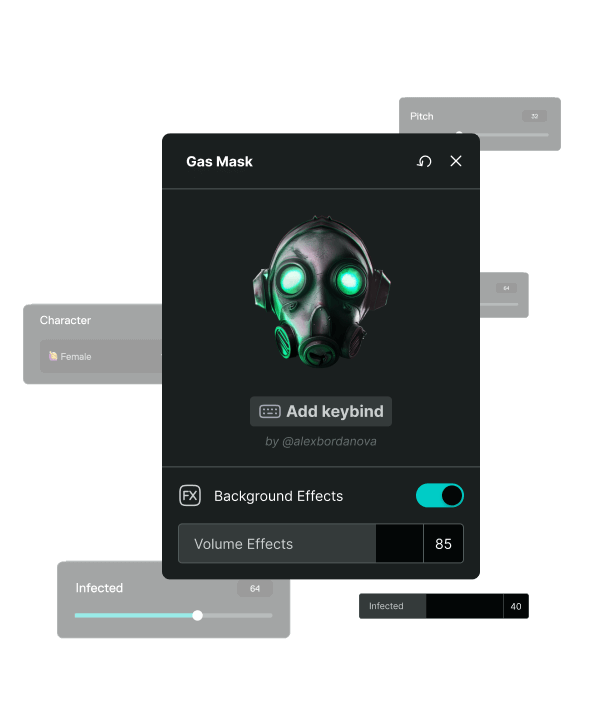
Craft personal vocal textures inside the Sound Lab.

Tweak pitch, ambience, and grain — then lock in presets you can toggle with a single press.

Launch Sound Lab
Sound Lab customization workspace

Grab audio from any source.

Snip highlights from footage or live play and drop them directly onto your pads.

Test the Clipper
Audio capture and clipping interface

Plugs into every space you frequent digitally.

Beyond chat programs such as Discord, it meshes flawlessly with in-game comms too.

VOICEMOD hub connector

What makes VOICEMOD tick?

Setting up VOICEMOD takes minutes, not hours:

Microphone power-up illustration

1. Power up your microphone

Install the app. A virtual audio driver unlocks next-level sonic possibilities!

Input configuration screen

2. Configure Input

Pick 'VOICEMOD Virtual Microphone' as your capture source inside any app or title you plan to speak through.

Mind-blowing audio reveal

3. Amaze everyone

Choose a filter, trigger some clips, and start elevating your audio identity.

WHY CHOOSE VOICEMOD

What sets VOICEMOD apart?

Designed for broadcasters, competitive players, and casual calls — swift, secure, and entertaining.

Amplify Your Mic

Background noise elimination plus sharpness controls that preserve every word.

Microphone enhancement panel

Built for Speed

Near-zero delay and feather-light processor usage so your frame rate stays untouched.

Performance dashboard preview

Constantly Improving

Fresh filters and audio packs arrive monthly.

Monthly content update preview

Private by Design

Your information stays yours. All audio rendering runs locally, never on remote servers.

Privacy shield interface

Simple Onboarding

Load it, pick your input, and start talking. No intricate signal path knowledge needed.

Quick setup wizard screen

Prepared to Evolve?

Join over two million makers leveraging VOICEMOD to perform, safeguard their anonymity, and craft immersive experiences.

Compatible with Windows 10/11 and macOS 12 or newer
Fine-Tuned for the Games and Apps You Love

Our Voice Changer software works seamlessly with leading communication platforms including Discord, Telegram, Skype, TeamSpeak, Guilded, WhatsApp, and Slack. Alter your voice live while playing Valorant, GTA V, Roblox, Minecraft, Fortnite, Overwatch 2, CS2, League of Legends, Apex Legends, and PUBG. Ideal for broadcast utilities such as OBS Studio, Streamlabs, Twitch, and Elgato. Integrates smoothly with peripheral ecosystems from Logitech G Hub, Razer Synapse, Corsair, SteelSeries, and HyperX. Additional supported hits: Lethal Company, Phasmophobia, Rust, Sea of Thieves, VRChat, DayZ, Tarkov, Call of Duty Warzone, Rocket League, and Rainbow Six Siege.